Launch CellTune
Note, CellTune currently doesn’t support dark-mode, please adjust your computer settings to light-mode before launching. Dark-mode will be available very shortly.
 [On Mac go to
 Settings -> Appearance]
- After installation and starting the CellTune app, it should open to a startup screen with buttons to either start a new project or to load an existing one (as seen in the new project setup tutorial).
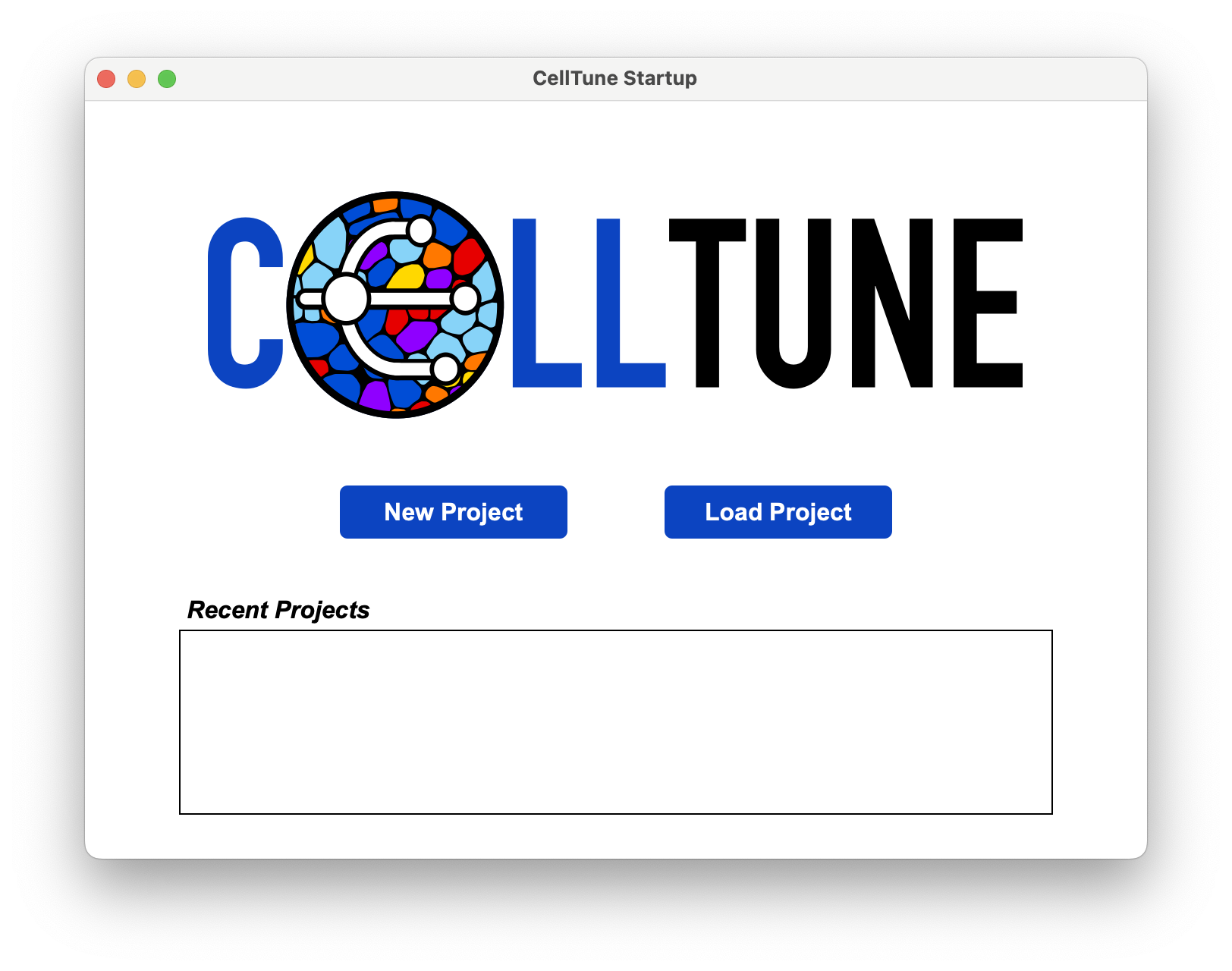
- You can start a new project following the Documentation - Project Setup.
- It is highly recommended to download the demo data and follow the Tutorials in parallel.