Skip to main content
Link
Menu
Expand
(external link)
Document
Search
Copy
Copied
Introduction
Download & Install
Documentation
Getting Started
Data Preparation
Images
Segmentation
Marker Table
CellType Table
Installation
MacOS
Windows
Launch CellTune
Project Setup
Projects
Viewer & Interface
Interface
Legends & Hover
Segment Controls
Toolbars
Keyboard Shortcuts
Populations
Labeling
Features
Data Exploration
Initial Clustering
Plot Expression
Phenotype Clustering
Gating
Landmarking
Manual Landmarking
Automated Landmarking
Clustering-Based
Other Landmarking
Classification
Classifier
Add Labels
Training
Plot Confusions
Sampling
Review & Curation
Export
Export Populations
Export CellTable
Export Images
Tutorials
Getting Started
Download Demo Data
New Project Setup
Viewer & Interface
Features
Populations
Gating
Intro to Gating
Advanced Gating
Landmarking
Manual Landmarking
Automated Landmarking
Clustering-Based
Classification
Classifier
Add Labels
Training & Predictions
Plot Confusions
Sampling
Labeling & Review
Labeling Basics
Review
Refining CellTypes
Export
Additional Tutorials
Whole Slide Example
FAQ
CellTuneDepot
Citation
Contact
Search CellTune
Documentation
Getting Started
Installation
Windows
Windows Installation
Download and run the
.exe
setup file.
If you see a
“Windows protected your PC”
message, click
More info
, then
Run anyway
.
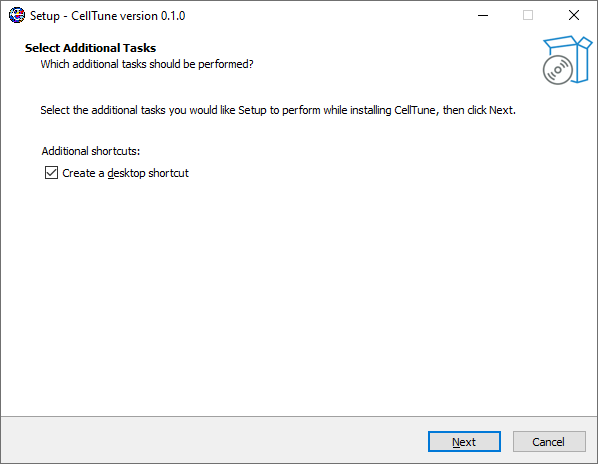
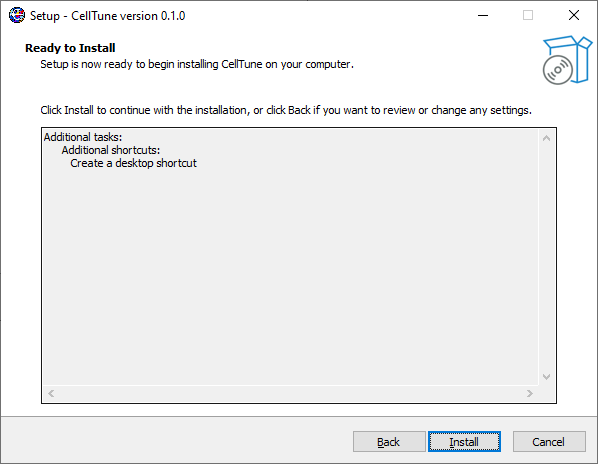
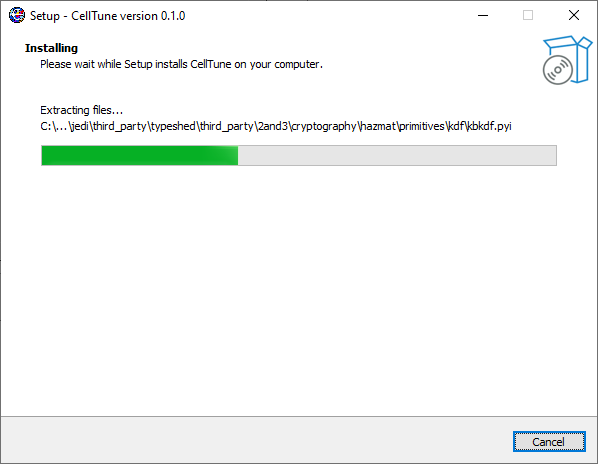
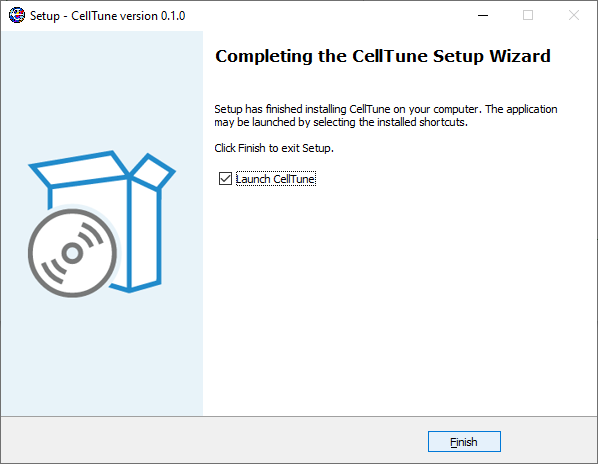
Follow the setup wizard through the installation steps.