macOS Installation
- Download the
.dmgfile appropriate for your system (Apple Silicon or Intel). - Open the
.dmgfile. - Drag the CellTune icon into the Applications folder.
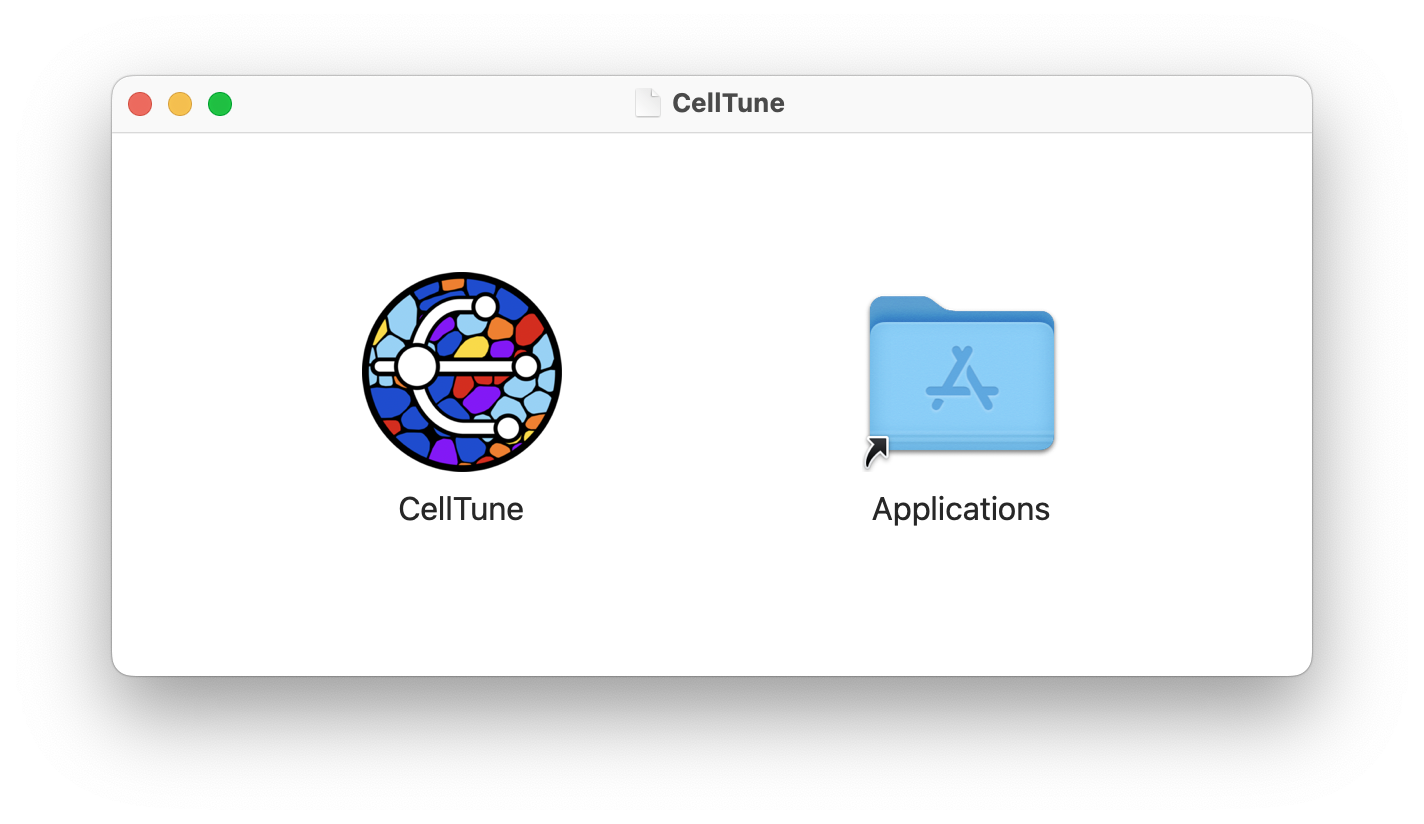
- If you receive a warning about an unverified developer:
- Right-click (or Ctrl+Click) on the CellTune app icon and select Open.
- Then click Open again when prompted.
- You should only need to do this once.
[This warning will be removed after code signing/notarization.]
[One user on macOS 15.6+ reported that an update with stricter permission settings prevented CellTune from running properly. We’re investigating the issue. If you experience something similar, please try to adjust your macOS Security & Privacy settings and let us know.]