Export CellTable
You can export a CellTable that includes marker intensities, spatial features, and any subset of fields you choose. The exported table can also include population labels for each cell.
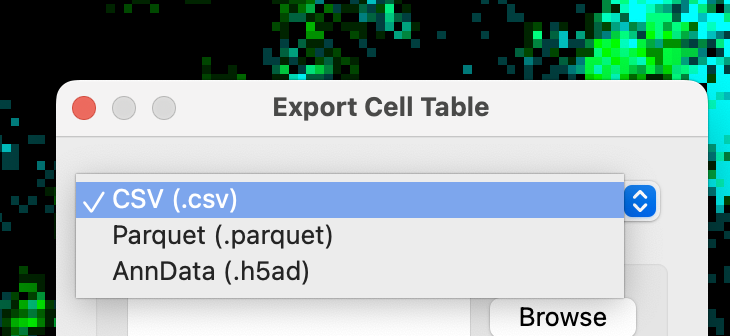
CellTune supports .csv, .parquet, and AnnData outputs, making it easy to continue analysis in downstream environments such as Python, R, Scanpy, or Seurat.
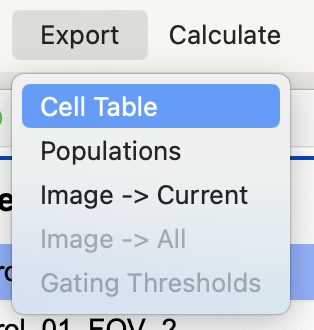
- Export the CellTable through Export → Cell Table.
-
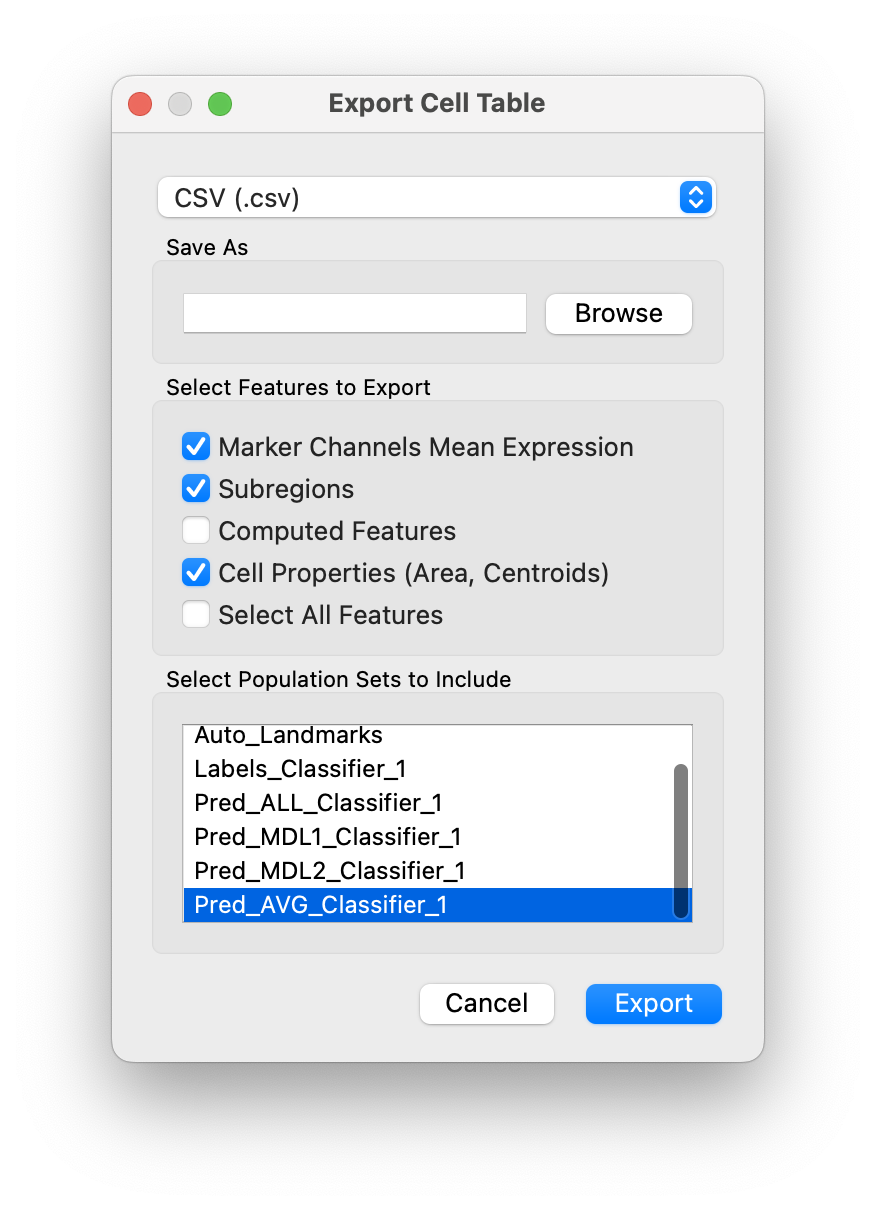
This will open the following dialog:
-
You can choose the output file type in the top dropdown list:
-
In
Select Feature to Exportchoose which features are included in the exported table. -
In
Select Population Sets to Includeyou can choose to add population sets to the exported cell table. You can add multiple population sets. -
The exported table will be saved in the project’s
Tablesfolder.