Create a New CellTune Classifier
To create a classifier, click on the + button in the classification panel.
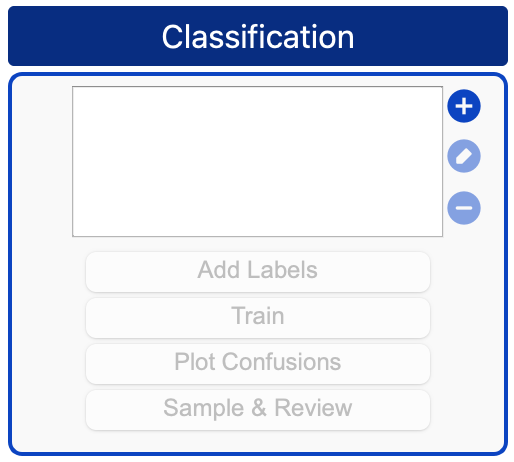
This will open the following dialog:
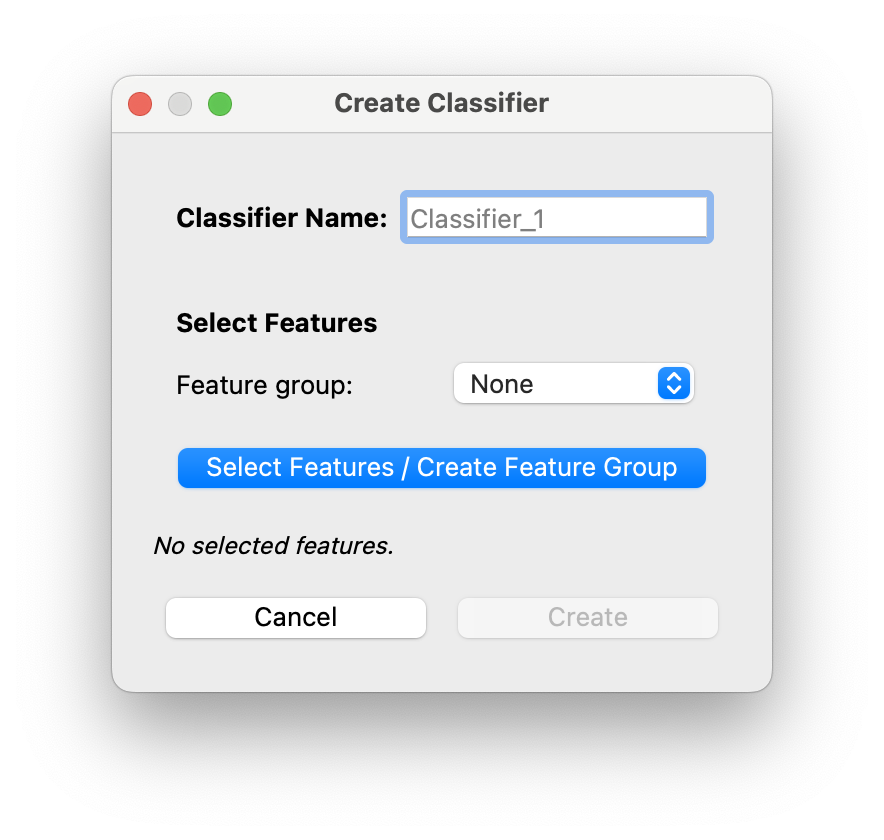
- You can fill in the classifier’s name (Default = ‘Classifier_1’)
- You need to select features that the classifier will use in training.
- You can also select a predefined
Feature Group.
This will open the Feature Selection window.
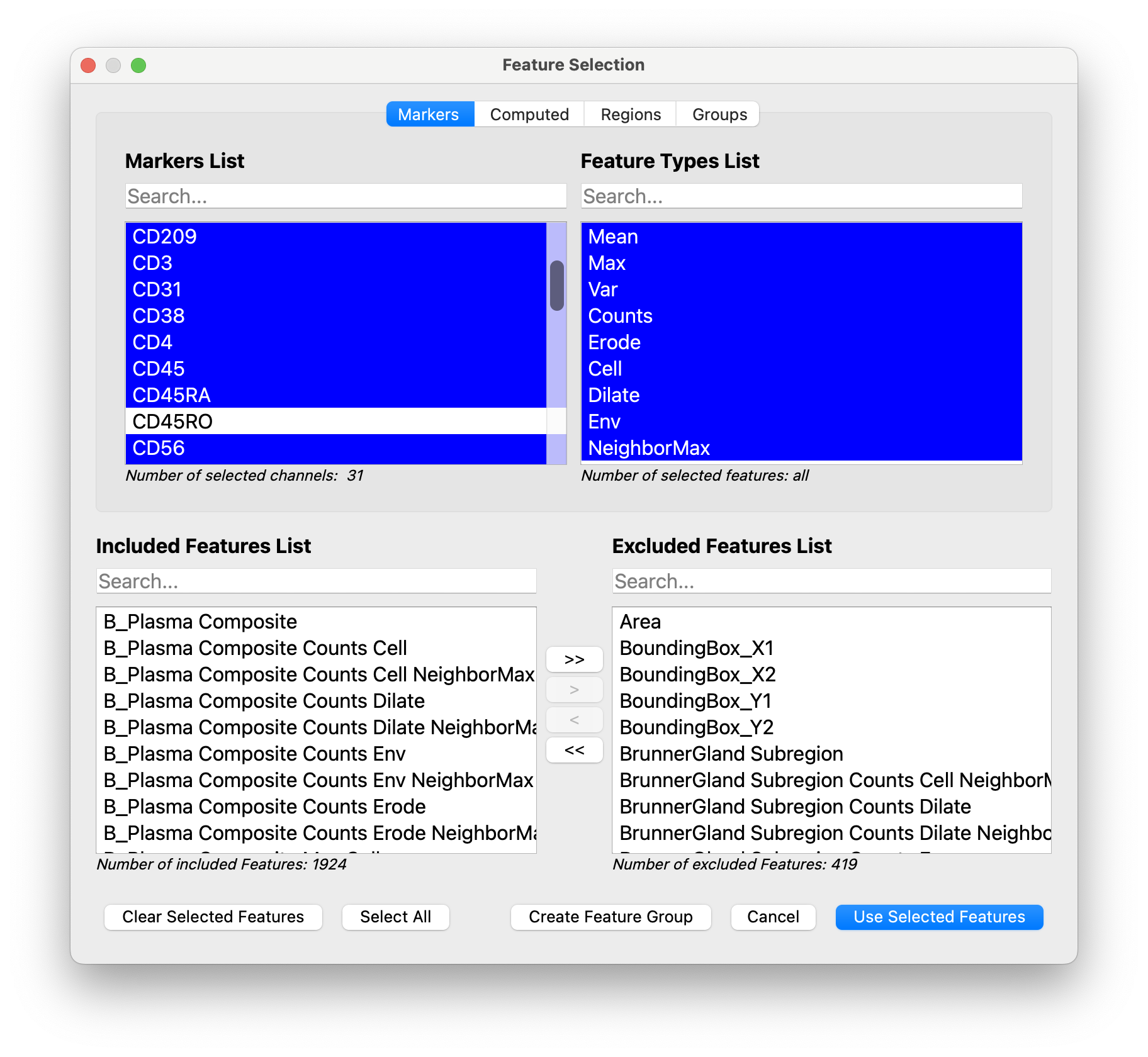
- It is recommended to select all features for the lineage markers. (We also select all features for any imported computed features).
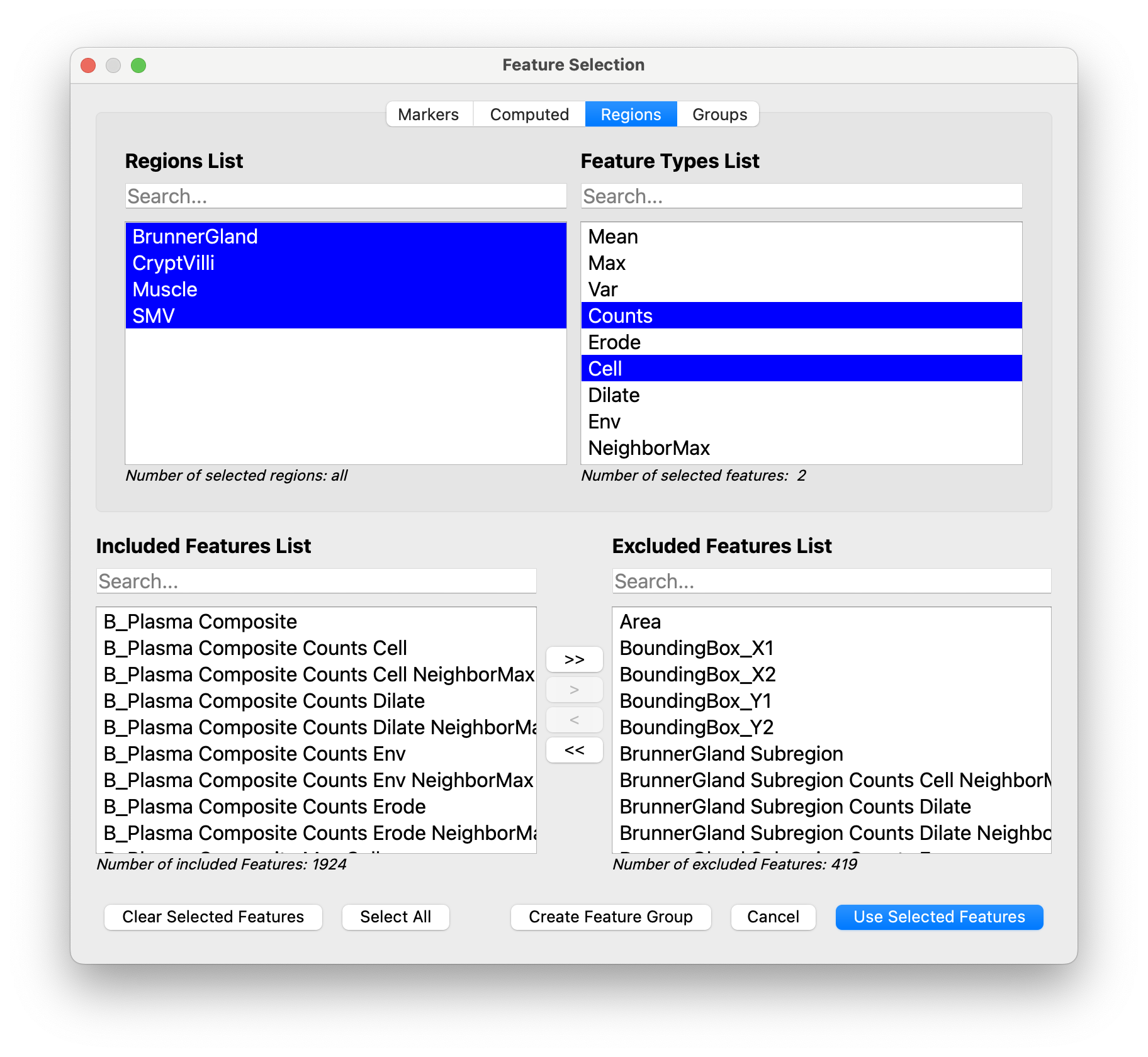
- We only select
Cell Countsfeatures for Regions (Those two feature types are selected for you by default in the Region tab). Since these are binary masks, it is sufficient to know how much of the cell is in the mask.
- You can also select a predefined
- Accept selected features by clicking on
Use Selected Features - Click
Createin the Create Classifier window.
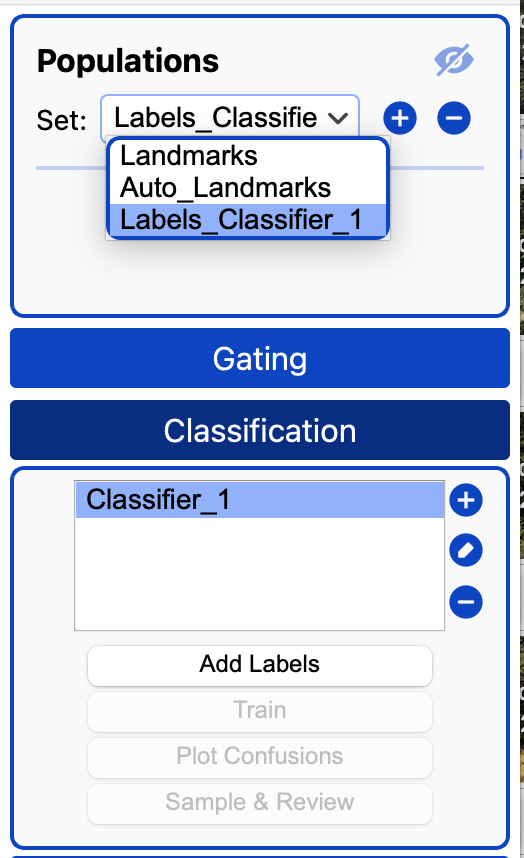
Your classifier is created and will appear in the classification panel.
When you create a classifier, a population set will be created for its labels called ‘Labels_{CLASSIFIER_NAME}’.
You will add labels to this population set in the [next section]/(/documentation/classification/add-labels).